Demo store reference in Beyond
Beyond ships as two Shopify Theme Store listings: Beyond and Fleur. Both are the same theme code, and they start from nearly identical Theme settings. The one setting that carries almost the entire visual difference is the heading font.
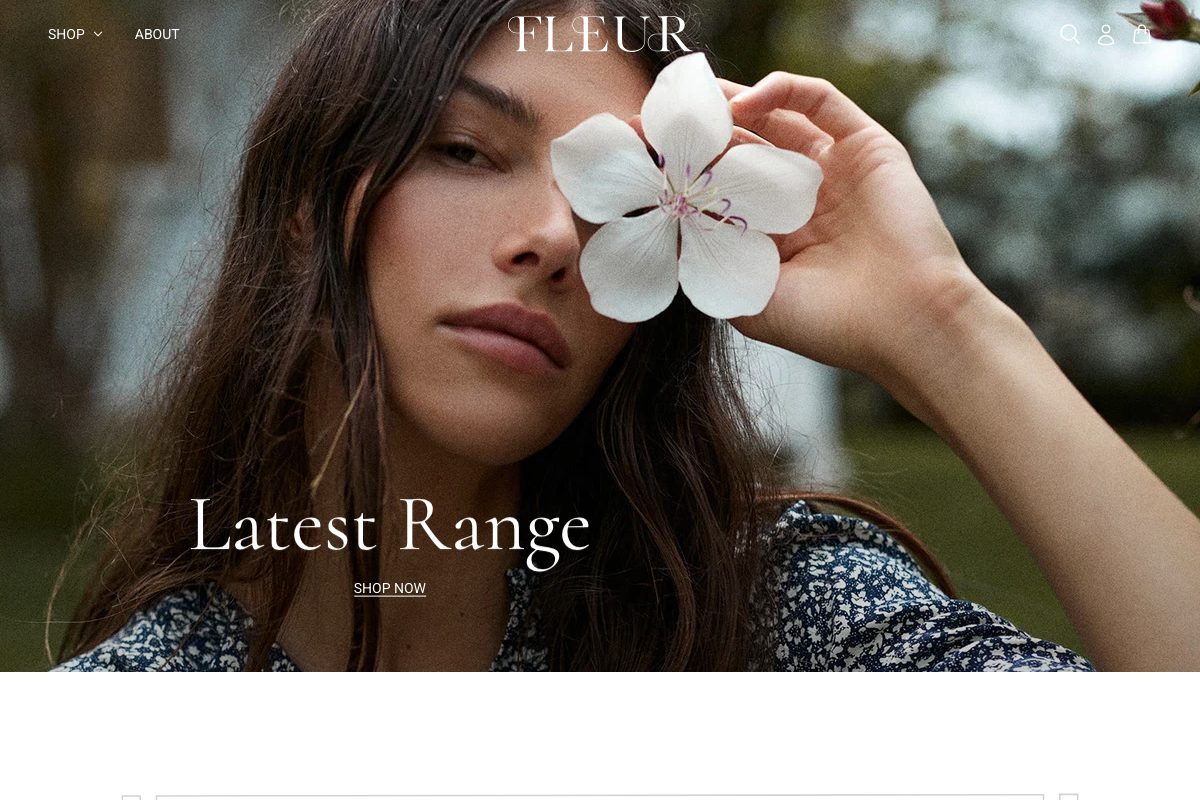
What changes between demos
| Setting | Beyond | Fleur |
|---|---|---|
| Heading font | Baskervville, a classic serif | Cormorant, a lighter, higher-contrast serif |
Accents, spacing, borders, and image crops start from the same theme defaults on both listings. If a Beyond and a Fleur store look different beyond the type, a merchant has changed something else in Theme settings, not the demo itself.
Rebuilding a look
See Typography for Heading font. Everything else on the page already matches between the two listings, so no other settings need to change to move from one look to the other.
Want Fleur instead of Beyond, or the reverse?
One Beyond purchase includes both styles. To switch the installed listing after purchase, see What are theme styles?. You do not need to switch to match the heading font above; changing it directly has the same visual effect.