Configure country, currency, and language selectors in Emerge
Country, currency, and language selectors are Shopify Markets and Languages (and Shopify Payments), not a Troop currency converter or translator. The theme only shows a selector once Markets and/or Languages are set up.
Set up Shopify Settings → Markets (for country/currency) and Settings → Languages (for language) first. Then turn on Show country/region selector and/or Show language selector in the places below.
A selector only appears once Shopify has more than one country, currency, or language published.
Admin prices stay in store currency. Payment methods and rounding are Shopify settings. Translating your product and page content is a separate job, see Translating your store below.
Refer to Shopify’s selling in multiple currencies guide.
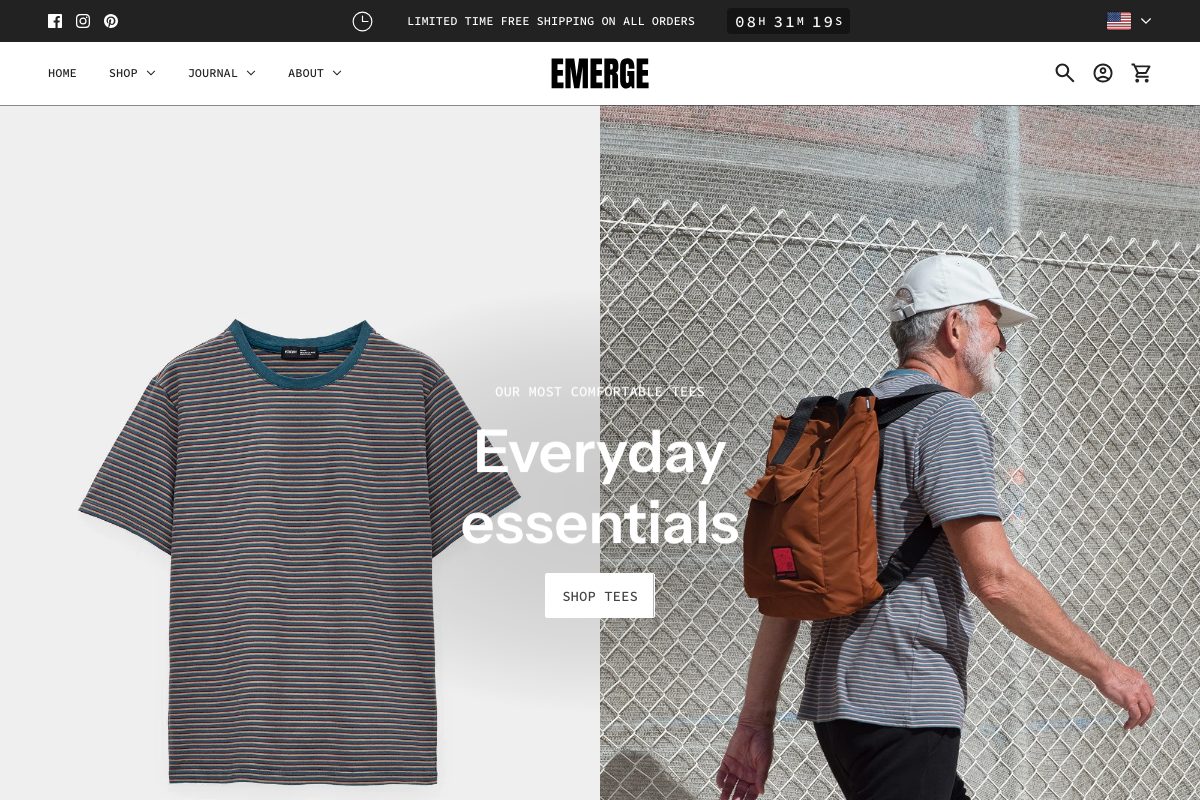
Header
Edit theme → Header → Show country/region selector and Show language selector.
Selectors sit in the header bar on desktop. On phones they move into the menu.
Announcement
Edit theme → Announcement → Show country/region selector and Show language selector.
On desktop they sit on the right of the bar (social icons, if shown, sit on the left). On phones they move into the menu. Emerge demos often show the country selector here.
Footer bar
Edit theme → Footer bar → add a Localization block (one only). On that block, enable Show country/region selector and Show language selector.
The Footer bar also holds payment icons, social icons, Powered by, and text, maximum three blocks.
Translating your store
Storefront language is Shopify Translate & Adapt (or a translation app) plus Edit default theme content for theme chrome. The theme ships language files; it does not translate your products.
Shopify Settings → Languages for the languages themselves; Translate & Adapt (or an app) for product and page content; Edit default theme content for “Add to cart” and similar theme strings.
Checkout language is separate (Shopify checkout / Markets), and is not controlled by the theme. Typography is fonts, not language.
Refer to Shopify’s localization and translation and Translate & Adapt guides.
Troubleshooting
- No selector: a second country, currency, or language is not published in Markets/Languages, or Show country/region selector / Show language selector is off on that section.
- Selector shows but prices don’t change: Shopify Payments and Markets must be configured. The theme cannot convert currency by itself.
- You still have an old currency-app widget: disable that app embed; it will fight the native selector.
- Products still show the default language: translate products and pages in Translate & Adapt (or your app). Default theme content only covers theme chrome, not product data.
- Checkout is still the default language: expected. Checkout language is translated in Shopify, not Theme settings.
- A translation app overwrote your wording: the app owns storefront language once installed. Edit there, or disable the app embed to test. See changing default theme text.