Section shapes in Emerge
Open a section in Edit theme, not Theme settings. Look for Shape position, Top shape style / Bottom shape style, and Top shape color / Bottom shape color.
Pick a default Text alignment per template and keep supporting sections on it: left for catalogs and long copy, center for heroes and short announcements, then back to your default. The section's Mobile → Text alignment setting is separate.
Maximum container width is on each section: contained for text-heavy blocks, Full width for slideshows and large photography. A useful rhythm is full-width hero → contained story → full-width collection.
Set Maximum container width before you pick a shape style. Full-width shapes with contained copy is a common Emerge layout.
Position
- Top: shape on the incoming edge
- Bottom: shape on the outgoing edge
- Both: usually too much unless the section is a thin band
- None: a hard rectangular join
For two neighboring sections, put a shape on one shared edge. A bottom wave on section A plus a top wave on section B doubles the geometry.
Style
Each edge can be:
- Broad wave
- Moderate wave
- Close wave
- Ripple wave
- Diagonal
Broad and moderate are the everyday choices. Close and ripple are more complex; use them on short sections. Diagonal is a single cut with a sharper, more architectural edge than wave styles.
Color
Shape color can be None, Light, Dark, or Accent 1–3.
None lets the neighboring section’s background show through the cut. An accent fill makes the wave a stripe of brand color. Match the shape to the next section’s background when you want a seamless pour; mismatch it when the wave should be a stripe.
Spacing and width
Shapes consume vertical space. Pair them with Medium spacing unless the section is a hero that can afford Extra large. Full-width sections show the whole curve; a contained section clips the shape to the column.
One language per page
Pick one shape family per template: waves or diagonals. Mixing ripple, diagonal, and broad wave on the same homepage shows multiple shape styles without a consistent brand pattern.
Which section to add is in Sections in Emerge.
Ask Sidekick 
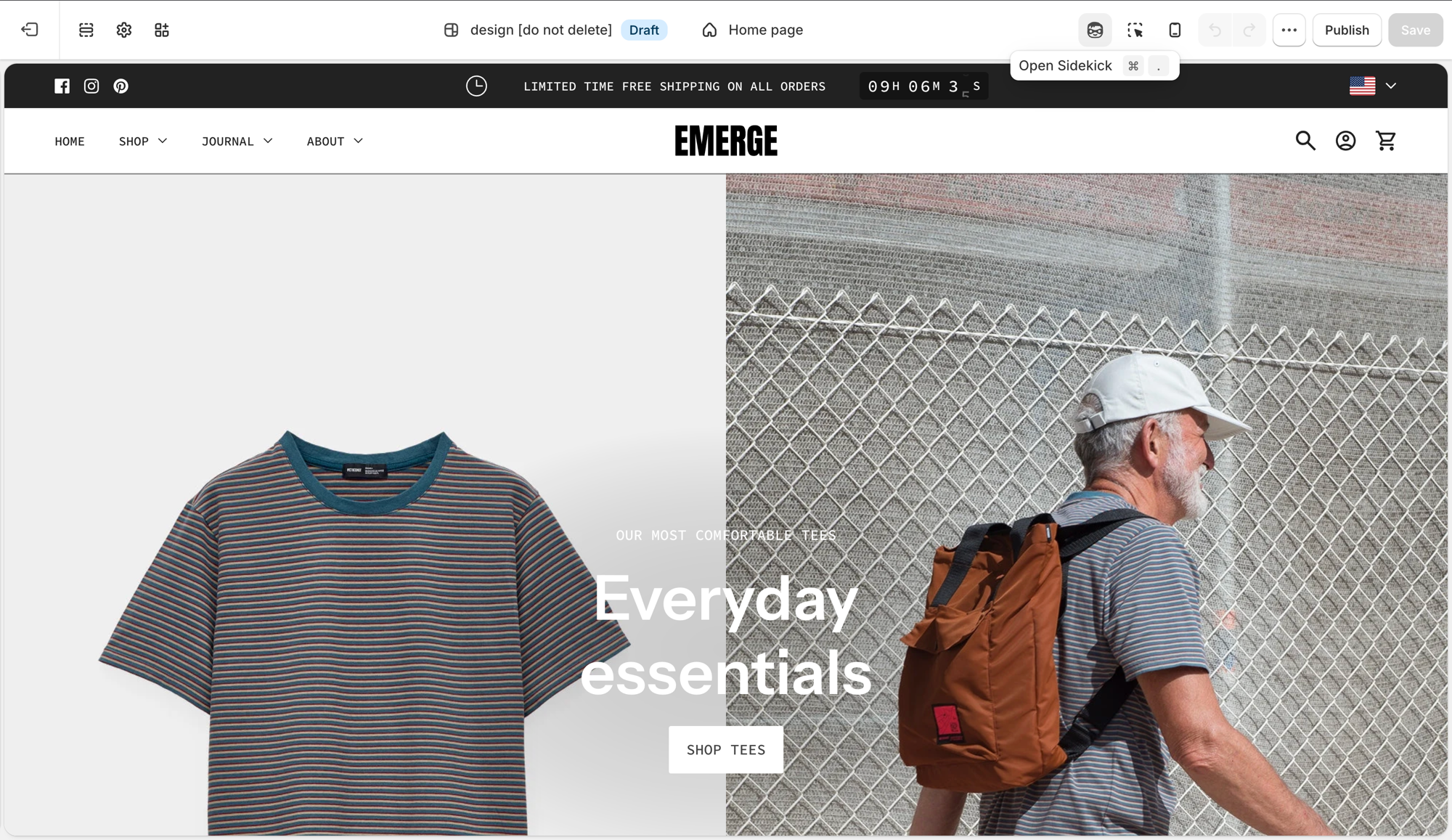
Open Sidekick from the theme editor toolbar (top right, next to the device preview icon), or press ⌘. (Ctrl+. on Windows). Shape choice and accent color are meant to work together, a wave that clashes with your palette appears accidental rather than intentional.
"What shape and accent color combination fits a minimal skincare brand?"
If you're unsure which combination fits your brand, reason through the options before committing a section's Top/Bottom shape color.
Troubleshooting
- A double wave / valley of empty color: both neighboring edges have a shape. Turn one off.
- The next section’s cards sit in the wave: the bottom shape color is filling behind them. Set the next section’s background, or put the shape only on the section that should own that color.
- The curve is clipped: the section is not Full width. Set Maximum container width to Full width, or accept a contained cut.
- Type collides with the wave on mobile: lower heading Mobile size, or drop Extra large spacing. Do not remove the shape first.