Demo store reference in Maker
Maker ships as two Shopify Theme Store listings: Maker and Bloom. Both are the same theme code. The only difference is the starting values in Theme settings. This page lists what changes between them, so you can either pick the closer match before you buy, or dial your current store toward the other look without switching.
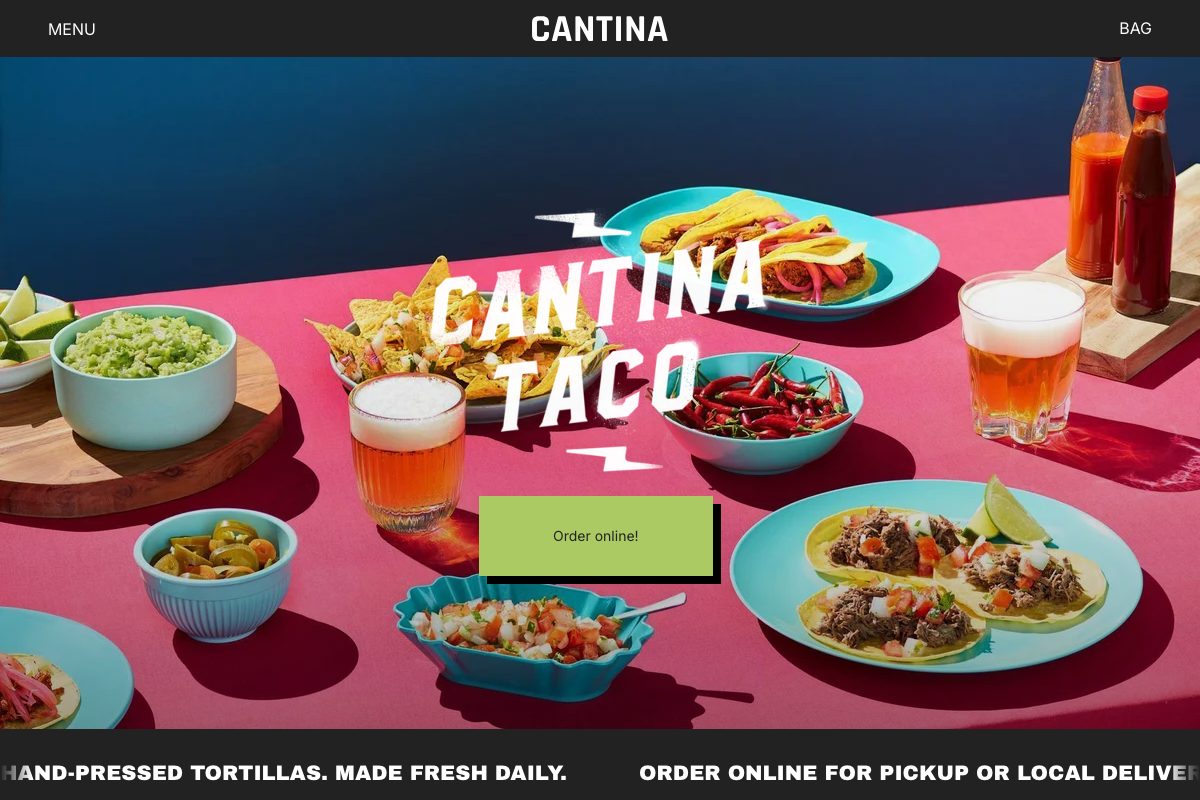
What changes between demos
| Setting | Maker | Bloom |
|---|---|---|
| Heading font | Archivo Black, uppercase | A sans-serif heading font, uppercase |
| Accent colors | 3 accents, muted green and pink | All 7 accents, brighter and more varied |
| Product image size | Square | Square |
| Collection image size | Portrait | Square |
| Article image size | Landscape | Natural |
| Title position | Overlay (the theme default) | Below |
| Enable hover image | Off | On |
Everything else, including Border color, Border thickness, and the spacing scale, starts from the same theme defaults on both listings.
Rebuilding a look
Every row above is a normal Theme settings field. See Colors for accents, Typography for the heading font, Images for the three crop settings, and Product grid for Title position and Enable hover image.
Want Bloom instead of Maker, or the reverse?
One Maker purchase includes both styles. To switch the installed listing after purchase, see What are theme styles?. You do not need to switch to match the settings above; changing them directly has the same visual effect.