Demo store reference in Blockshop
Blockshop ships as four Shopify Theme Store listings: Blockshop, Radiance, Stone, and Valla. All four are the same theme code. The only difference is the starting values in Theme settings. This page lists what changes between them, so you can either pick the closer match before you buy, or dial your current store toward another look without switching.
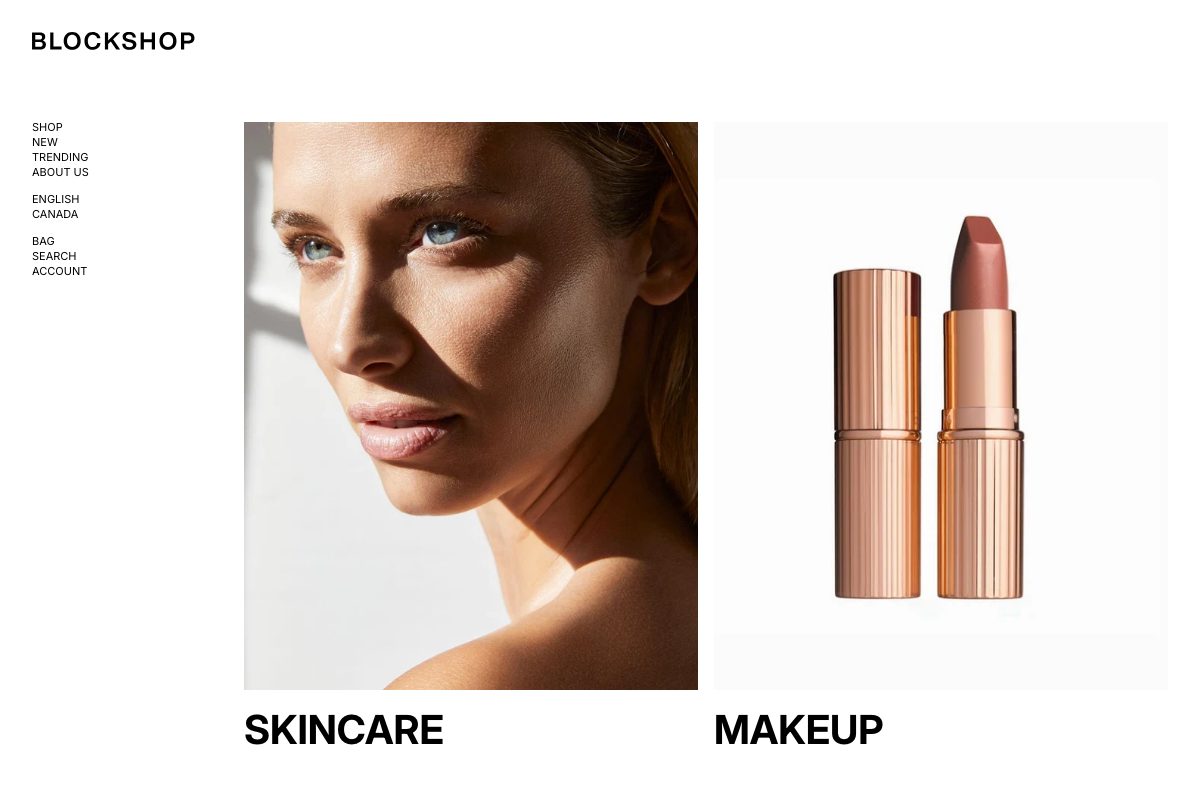
What changes between demos
| Setting | Blockshop | Radiance | Stone | Valla |
|---|---|---|---|---|
| Heading font | Inter, bold, uppercase | Nanum Myeongjo, sentence case | Host Grotesk, sentence case | Inter, bold, uppercase |
| Accent 1 | A rose or berry tone | A warm tan tone | The same warm tan tone as Radiance | A deep, near-black brown |
| Product image size | Natural | Portrait | The taller Portrait (2:3) crop | Natural |
| Product label shape (Shape, under Product labels) | Square | Round | Round | Square |
| Enable hover image | On | On | Off | Off |
Stone also uses its own desktop and mobile spacing sizes rather than the theme defaults; see Spacing and layout for the exact values and how Stone uses Small to keep shop sections nearly flush.
Rebuilding a look
Every row above is a normal Theme settings field. See Colors for accents, Typography for the heading font, Images for Product image size, and Product grid for label Shape and Enable hover image.
Want a different listing's look?
A purchase of Blockshop includes all four styles. To switch the installed listing after purchase, see What are theme styles?. You do not need to switch styles to match the settings above; changing them directly has the same visual effect.