Images in Blockshop
Edit theme → Theme settings → Images.
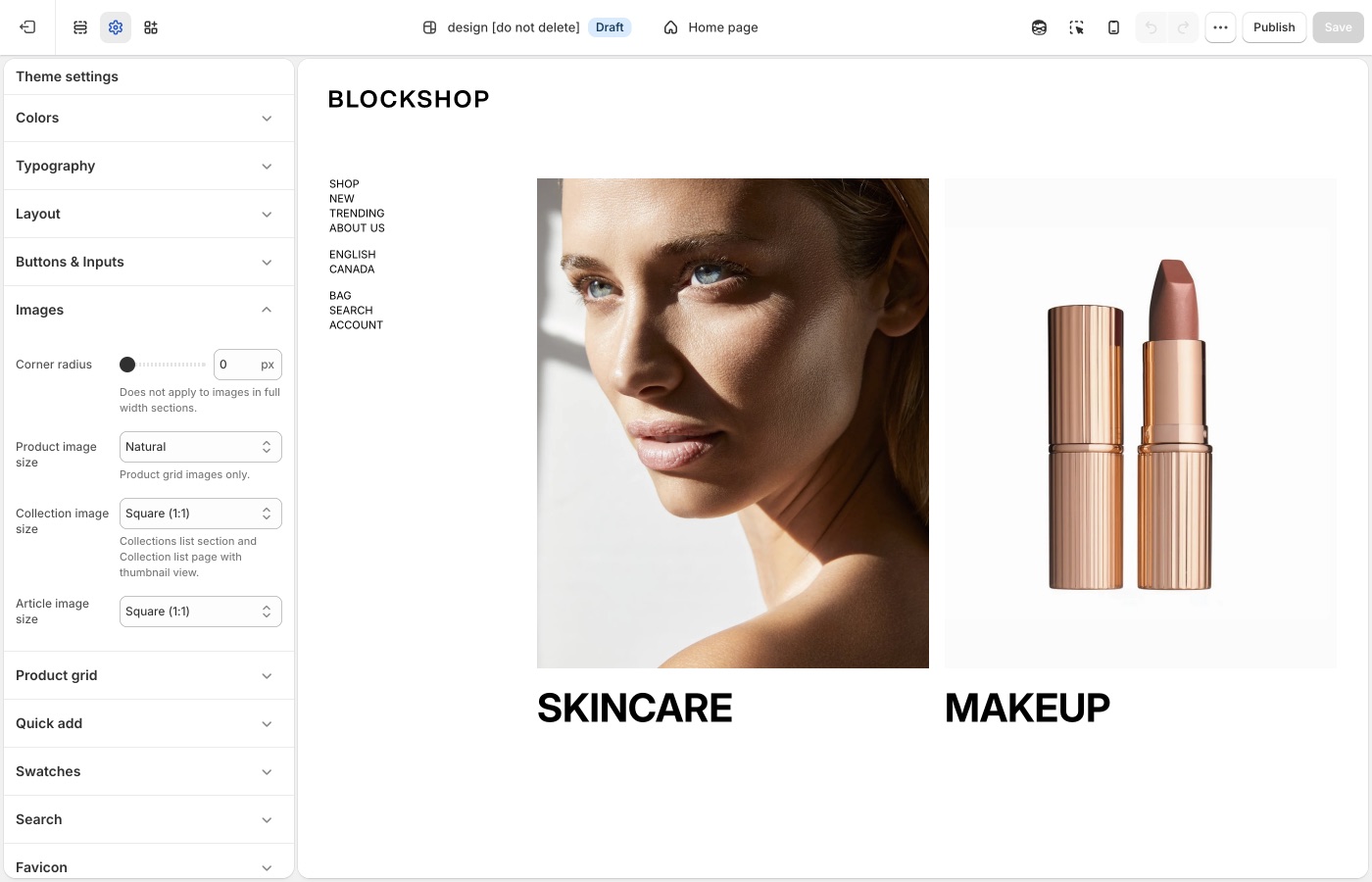
Crops for product, collection, and article images.
Corner radius is storewide. Besides photos, it rounds embedded videos, text blocks with a background color, the newsletter popup, and sections with Outer background off.
Crops and radius
- Corner radius: rounds product and content images, embedded videos, text blocks with a background color, the newsletter popup, and inset sections (Outer background off). Does not apply to images in full-width sections.
- Product image size: Natural, Square (1:1), Landscape (4:3), Portrait (4:5), or Portrait (2:3). This crop is for the product grid.
- Collection image size: same options, for collection lists and thumbnail views.
- Article image size: blog cards.
Natural keeps each file’s own ratio. Square and portrait force a consistent grid, which looks calmer when product photos were shot inconsistently.
For pixel dimensions when you export photos, see What image sizes should I use?.
Shoot for the crop
If you set product images to Square, photograph on a consistent canvas. Mixed lifestyle crops in a square grid will chop subjects. Natural is kinder to mixed photo sets; a fixed ratio is kinder to a studio pack.
Ask Sidekick 
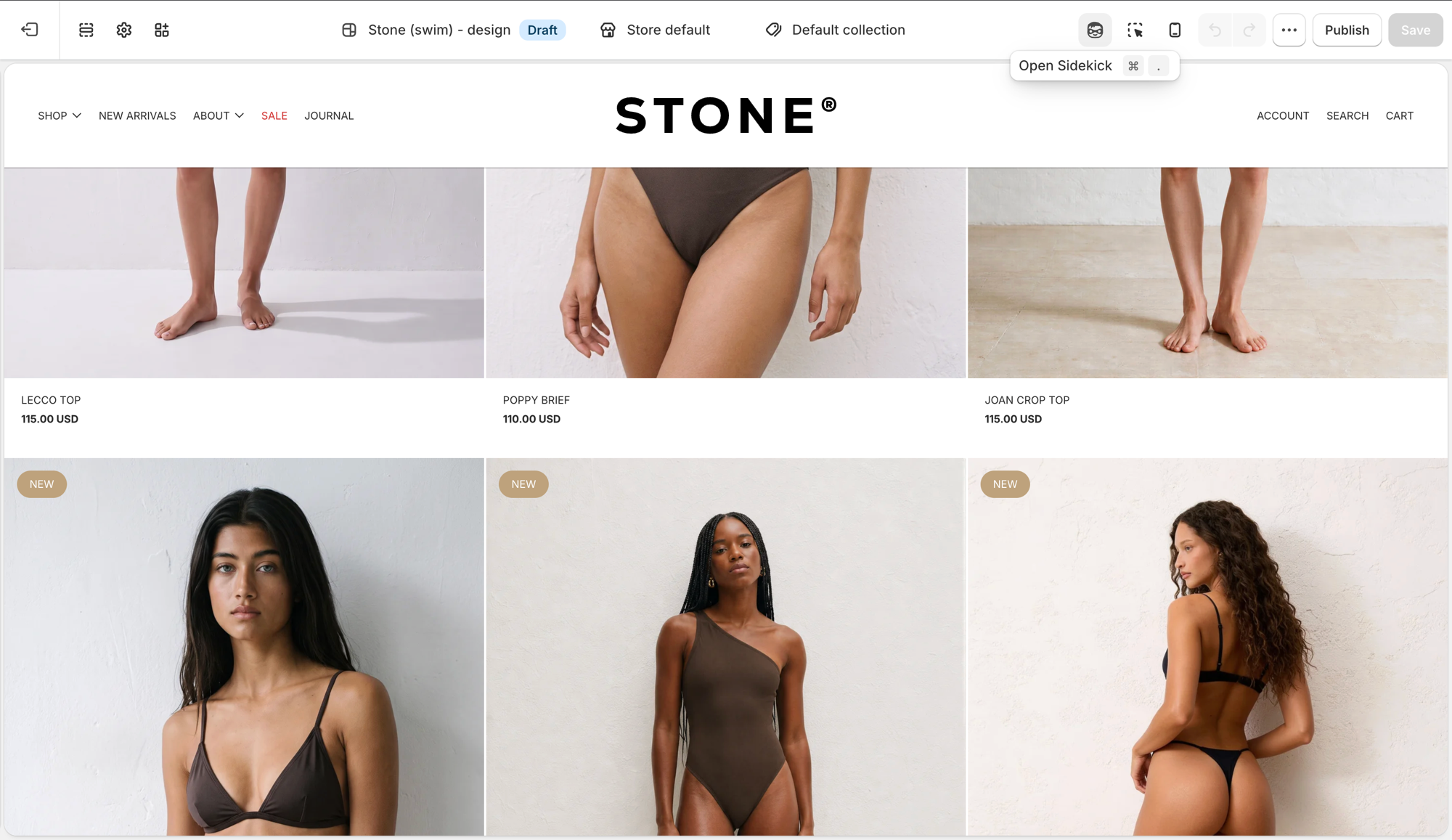
Open Sidekick from the theme editor toolbar (top right, next to the device preview icon), or press ⌘. (Ctrl+. on Windows). Unsure whether Natural, Square, or Portrait crops will suit your product photography, or how consistent your existing photos actually are, describe your catalog.
"My product photos are a mix of studio shots and lifestyle images, what Product image size should I use for the grid?"
It can help you reason through the trade-off before you commit the whole store to one crop, and point you to Shopify's image size guidance if you're about to reshoot.
Troubleshooting
- Images look cropped: that is Product image size, not a bug. Switch to Natural, or shoot for the ratio you chose. Replacing the file in Products does not bypass the theme crop.
- Corner radius ignored on a hero: full-width section images are excluded on purpose.